Guide / August 27, 2026 / 3 min read
B2B email deliverability checklist: check before you send
By Ozzy Gercek
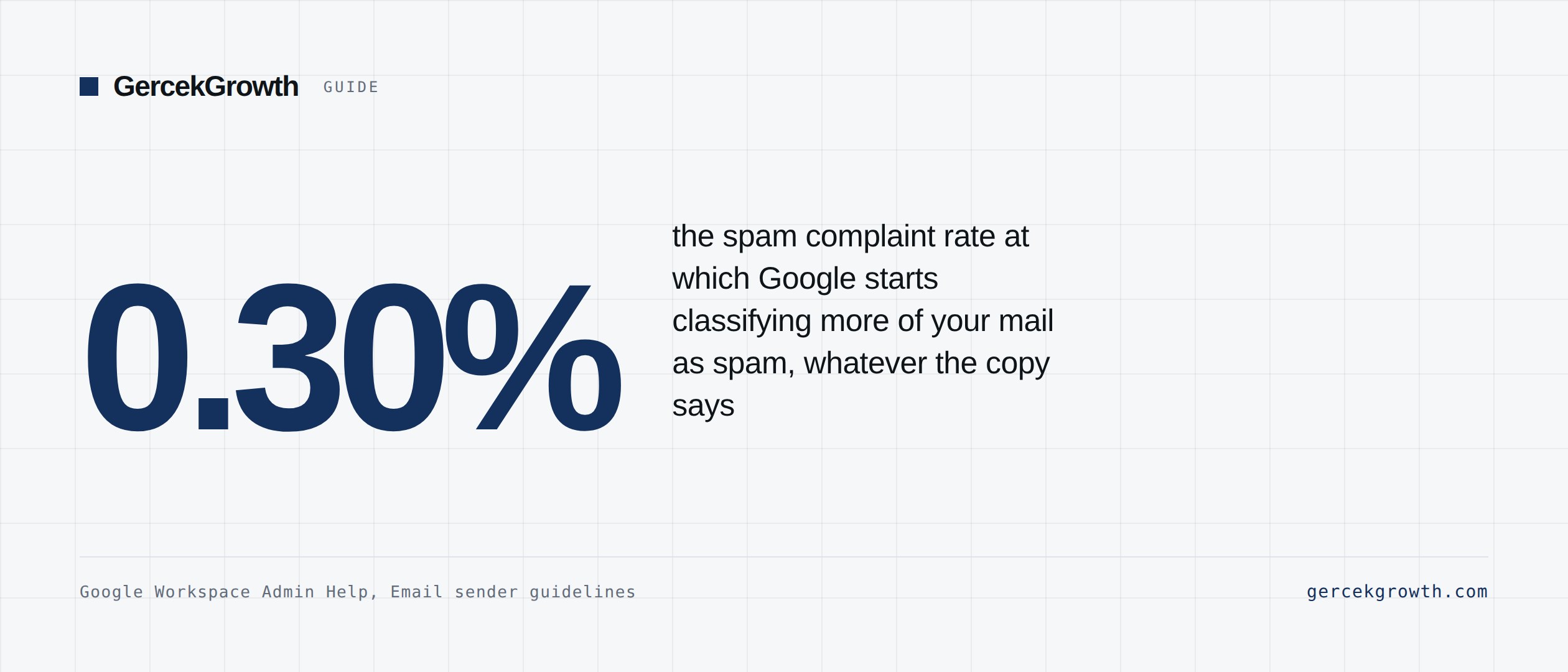
Short answer: Deliverability is the difference between sending email and reaching the inbox. The thresholds to clear before launching are published: Google requires the spam rate reported in Postmaster Tools to stay below 0.30%, and mandates SPF, DKIM and DMARC for anyone sending 5,000 or more messages a day. The ten headings below are what to check before you hit that limit. The order matters: improving the copy while the infrastructure is broken changes nothing.
1. List every sending domain
Write down every domain and subdomain that sends email: the main company domain, sales outreach domains, marketing subdomains, the transactional domain, support and tracking domains. Do not send from a domain you cannot actively monitor; when its reputation goes, you will only notice through the results.
2. SPF
- Exactly one SPF record per domain. More than one is invalid and receivers treat it as a permanent error.
- Include every tool that legitimately sends on your behalf.
- Remove tools you no longer use.
- Stay under the 10 DNS lookup limit. RFC 7208 sets that ceiling and anything past the tenth is never evaluated, so a sender you believe is authorised is not.
- Confirm SPF passes on a test message.
3. DKIM
- Enable DKIM for Google Workspace or Microsoft 365.
- Enable it for HubSpot or whichever marketing platform you use.
- Enable it for your sales engagement tool.
- Enable it for your transactional email tool.
- Use 2048-bit keys where available.
- Confirm DKIM passes on a test message.
4. DMARC
- Publish a DMARC record.
- Start at `p=none` while monitoring.
- Add the aggregate report address (`rua`); without it the policy runs blind.
- Verify that SPF or DKIM aligns with the domain in the From header. Google requires this explicitly for bulk senders.
- Review the reports regularly and move to `quarantine`, then `reject`, over time.
5. Provider requirements
Per Google's official documentation, since 1 February 2024 all senders need SPF or DKIM, valid forward and reverse DNS records, TLS in transit, and spam rates below 0.30%. Bulk senders, meaning 5,000 or more messages a day, need all three of SPF, DKIM and DMARC plus From alignment. Marketing and subscribed messages must support RFC 8058 one-click unsubscribe and carry a visible unsubscribe link in the body.
Google advises keeping the spam rate below 0.10% and never reaching 0.30% or higher. The distinction matters: 0.30% is the compliance ceiling, 0.10% is the safe operating band.
6. List verification
- Verify addresses before sending.
- Remove duplicates.
- Review role-based addresses (info@, sales@).
- Suppress unsubscribes and bounced contacts.
- Suppress negative repliers where appropriate.
- Re-verify ageing records; a list verified a year ago is not clean today.
7. Content
- Make the sender identity unambiguous.
- No misleading "Re:" or "Fwd:".
- Keep the body short in cold email.
- Minimise links in cold email.
- Avoid heavy images.
- Leave one clear call to action.
8. Sending volume
- Start at modest volume from a new inbox.
- Increase gradually; no sudden spikes.
- Watch the bounce rate.
- Watch the complaint rate.
- When reputation starts falling, stop rather than push.
9. Monitoring
- Set up Google Postmaster Tools. It is the only place you see your spam rate.
- Watch the DMARC reports.
- Track bounce, complaint and unsubscribe rates.
- Check domain reputation weekly.
- Pause a problem campaign quickly.
10. Business outcome tracking
Reaching the inbox is not the goal, it is the precondition. What gets measured: positive replies, meetings booked, meetings held, qualified opportunities, pipeline created, closed-won revenue and loss reasons. A campaign that reaches the inbox but produces no qualified conversations does not have a deliverability problem; it has a targeting or offer problem.
To see where your own domain stands on SPF, DKIM and DMARC, use the live checker. For the reasoning behind the setup, there is the SPF, DKIM and DMARC guide. To work out how many emails a target market actually requires, the pipeline calculator does the arithmetic.
Sources
- Email sender guidelinesGoogle Workspace Yönetici Yardımı, resmî doküman
- 2026 bulk email sender requirements: Microsoft, Google, and Yahoo compliance guideRed Sift, 2026
- RFC 8058: Signaling One-Click Functionality for List Email HeadersIETF, 2017
- RFC 7208: Sender Policy Framework (SPF) for Authorizing Use of Domains in EmailIETF, 2014
- Postmaster ToolsGoogle
Every figure above is linked to its primary source and dated. Where a number is asserted by a source rather than measured, the text says so. If you find something out of date, tell me and I will correct it.